
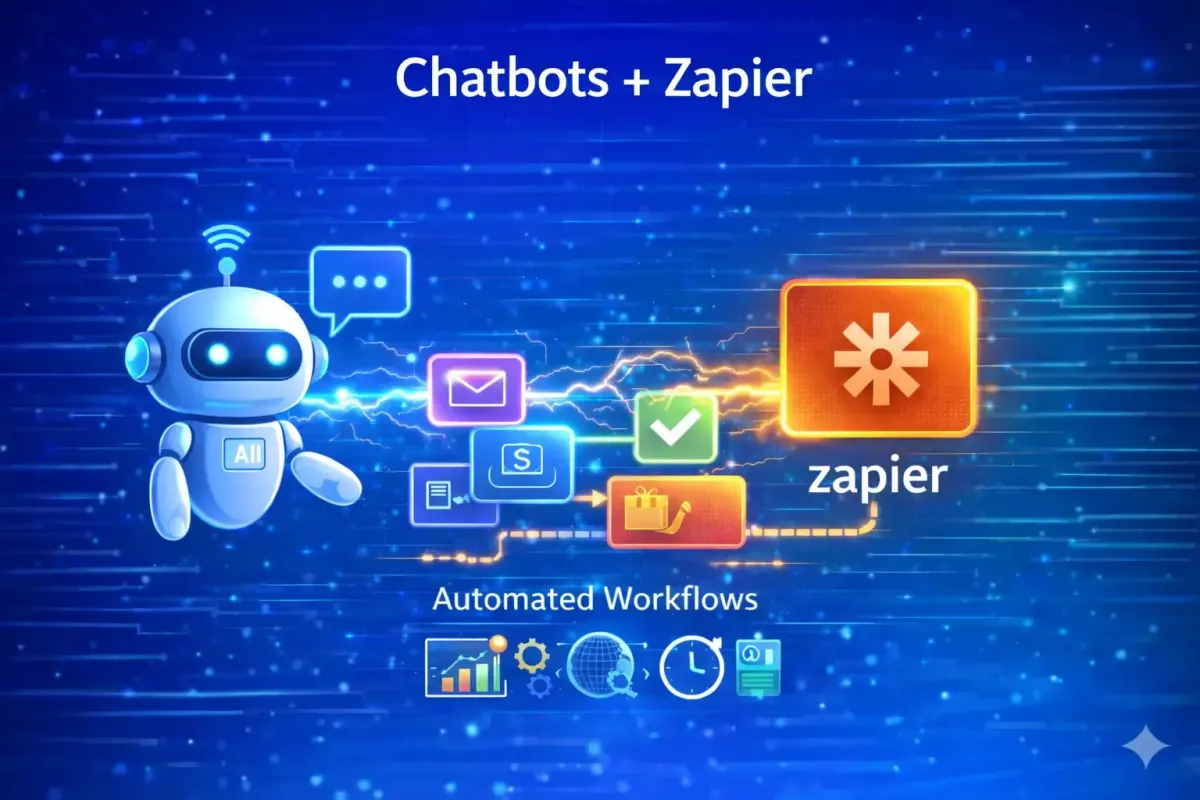
Chatbots + Zapier: Turning Conversations into Automated Business Execution
Chatbots have evolved well beyond scripted Q&A tools. In modern revenue operations, customer service, and automation-first organisations, chatbots function as conversational interfaces that sit on top of complex backend systems. When paired with Zapier, chatbots become entry points into fully automated workflows that connect CRMs, ticketing systems, calendars, analytics tools, internal databases, and AI models—without writing code.
Zapier acts as the orchestration layer, translating conversational events into deterministic actions through Zaps (Zapier’s automation workflows). This architecture allows businesses to capture intent in natural language, convert it into structured data, and execute consistent, auditable processes at scale.
This guide provides a comprehensive, production-grade view of how chatbots integrate with Zapier, covering preparation, setup, architectural patterns, advanced use cases, governance, and strategic trade-offs. It is written from a systems, automation, and RevOps perspective—not a surface-level “how-to”.
1. Conceptual Overview: Chatbots as Automation Interfaces
When integrating chatbots with Zapier, the most important mindset shift is this:
A chatbot is not the system. It is the interface.
In a well-designed stack:
The chatbot handles conversation, intent capture, and user experience
Zapier orchestrates workflows, logic, and execution
Connected applications (CRMs, calendars, databases, AI tools) perform the actual work
This separation of concerns is critical for scalability, reliability, and governance. Business logic should live in workflows—not in fragile prompt chains or hardcoded conversation trees.
Zapier enables this separation by acting as a neutral automation layer between conversational tools and your wider SaaS ecosystem (7,000+ apps).
2. Core Components of a Zapier-Powered Chatbot Stack
A production-ready chatbot integrated with Zapier typically consists of five architectural layers.
2.1 Conversation Layer (Front-End)
This is where users interact with the system. Zapier itself is channel-agnostic, meaning chatbots can operate across:
Website chat widgets
Internal tools (Slack, Microsoft Teams)
Messaging platforms (WhatsApp, Messenger, Telegram)
Zapier Interfaces (native UI builder)
The only requirement is that the platform can emit structured events—via webhooks, form submissions, or message triggers—into Zapier.
Popular external chatbot platforms frequently connected to Zapier include ManyChat, ChatBot.com, Voiceflow, and Botpress.
2.2 Trigger Layer (Zapier Entry Point)
Every chatbot automation begins with a trigger. Common trigger types include:
Webhook received (most flexible and scalable)
New chatbot message or response
New subscriber or opt-in
Form submission
Button clicked
Best practice is to standardise inputs at this stage:
User ID
Channel (web, WhatsApp, Slack, etc.)
Raw message
Timestamp
Metadata (language, source, campaign)
This ensures downstream logic behaves consistently regardless of where the conversation originated.
2.3 Intelligence Layer (AI + Logic)
This is where Zapier elevates chatbots beyond rule-based flows.
AI Processing
Zapier integrates directly with large language models, enabling chatbots to:
Interpret free-text inputs
Classify intent (sales, support, booking, complaint)
Extract structured data (name, email, budget, order ID)
Summarise long messages or conversations
This allows a single conversational entry point to replace dozens of rigid “if/then” trees.
Deterministic Logic
AI output is combined with traditional Zapier controls:
Filters (qualification rules)
Paths (conditional routing)
Lookups (CRM, spreadsheets, databases)
This hybrid model ensures business-critical actions remain predictable, auditable, and safe—while still benefiting from AI flexibility.
2.4 Action Layer (Execution)
Once logic is resolved, Zapier executes actions across connected tools:
Create or update CRM records
Schedule meetings
Send emails or Slack alerts
Create tickets or tasks
Write to databases or tables
Zapier’s strength lies in the breadth and maturity of these integrations.
2.5 Data Storage & Observability
Every chatbot interaction can be:
Logged
Categorised
Scored
Audited
Zapier provides full task history, error logs, and replayability—features often missing in fully autonomous chatbot systems.
3. Preparation Steps: Designing the Chatbot for Automation
Before connecting anything to Zapier, preparation matters.
3.1 Collect Structured Data
Your chatbot must capture data in a structured way:
Default attributes (name, email)
Custom attributes (budget, product interest, urgency)
Question blocks and attribute fields should be explicitly named so they are easily referenced inside Zapier.
3.2 Test the Conversation Flow
Before publishing:
Run test conversations
Confirm attributes populate correctly
Validate edge cases (skipped questions, unclear answers)
Automation magnifies errors. Poor data in means poor automation out.
4. Using Zapier’s Native Chatbot Builder
Zapier now offers a built-in chatbot tool as part of Zapier Interfaces.
Step-by-Step Setup
Create the Bot
Navigate to Interfaces → Chatbots and create a new bot or use a template.Define the Directive
This is the “brain” of the chatbot. Example:
“You are a helpful assistant for a B2B marketing agency. Qualify inbound leads by collecting company size, monthly ad spend, and timeline. If qualified, confirm next steps.”
Add Knowledge Sources
Upload PDFs, text files, or link URLs. The bot is constrained to these sources, reducing hallucinations.Connect a Zap
Trigger: New Response or Button Clicked
Action: Create/update records in CRMs, Sheets, or project tools
Strengths of Native Chatbots
Very fast setup
Tight Zapier integration
Ideal for internal tools or lightweight portals
Limitations
Limited UX customisation
Not ideal for high-brand public experiences
5. Connecting External Chatbots to Zapier
If you already use a dedicated chatbot platform, Zapier becomes the glue.
Common Workflow Pattern
Trigger: Event in chatbot (new opt-in, tag added, block completed)
Action: Task in another system (create contact, notify team, log data)
This approach provides full control over UI/UX while retaining Zapier’s automation power.
6. Advanced Use Cases
6.1 Lead Qualification Chatbots
A high-ROI application.
Flow:
User asks about services
Chatbot asks qualifying questions
Zapier extracts and scores data
High-intent leads routed instantly to sales
Result: better lead quality, faster response times, cleaner CRM data.
6.2 Customer Support & Triage Bots
Zapier enables chatbots to act as first-line support:
Answer FAQs using approved knowledge
Pull order/account data
Create tickets only when escalation is required
Send summaries—not raw transcripts—to support teams
This reduces ticket volume and average handling time.
6.3 Meeting Scheduling
After a successful conversation:
Provide a booking link
Or trigger automated calendar creation (e.g. Google Calendar, Calendly)
The chatbot becomes a self-service scheduling layer.
6.4 Internal Operations Bots
Examples:
“Create a task for the PPC team”
“Summarise yesterday’s leads”
“What’s the status of Project X?”
Here, the chatbot becomes a natural-language control panel for operations.
7. Automation Patterns That Scale
Stateless Chatbots
Each message is processed independently
Highly scalable
Limited context
Context-Aware Chatbots
Store context in CRM fields or tables
Enable multi-step conversations
Preferred for commercial use cases
8. Governance, Risk, and Reliability
From an enterprise or agency perspective, Zapier offers:
Deterministic execution
Full task history
Separation of AI reasoning and execution
This prevents many failures seen in fully autonomous chatbot systems.
9. Strategic Advantages of Zapier-Driven Chatbots
From a forward-looking systems standpoint:
Chatbots become reusable interfaces
Business logic lives in workflows
AI models can be swapped without rebuilds
Automation scales independently of conversation volume
This aligns directly with modern RevOps and AI governance best practices.
10. When Zapier Is (and Is Not) the Right Choice
Zapier excels when:
Speed to deployment matters
No-code orchestration is required
You rely on a broad SaaS ecosystem
Observability and control are priorities
Zapier is less suitable when:
Ultra-low latency is required
You need real-time streaming logic
You are building a deeply proprietary AI system
Final Perspective
Using chatbots with Zapier is not about “adding AI chat” to your stack. It is about turning conversation into structured, automated business execution.
When designed correctly, Zapier-powered chatbots:
Reduce manual workload
Improve lead quality
Accelerate response times
Strengthen data integrity
Enable scalable AI adoption without operational risk